Free
Notion template · works on the free Notion plan
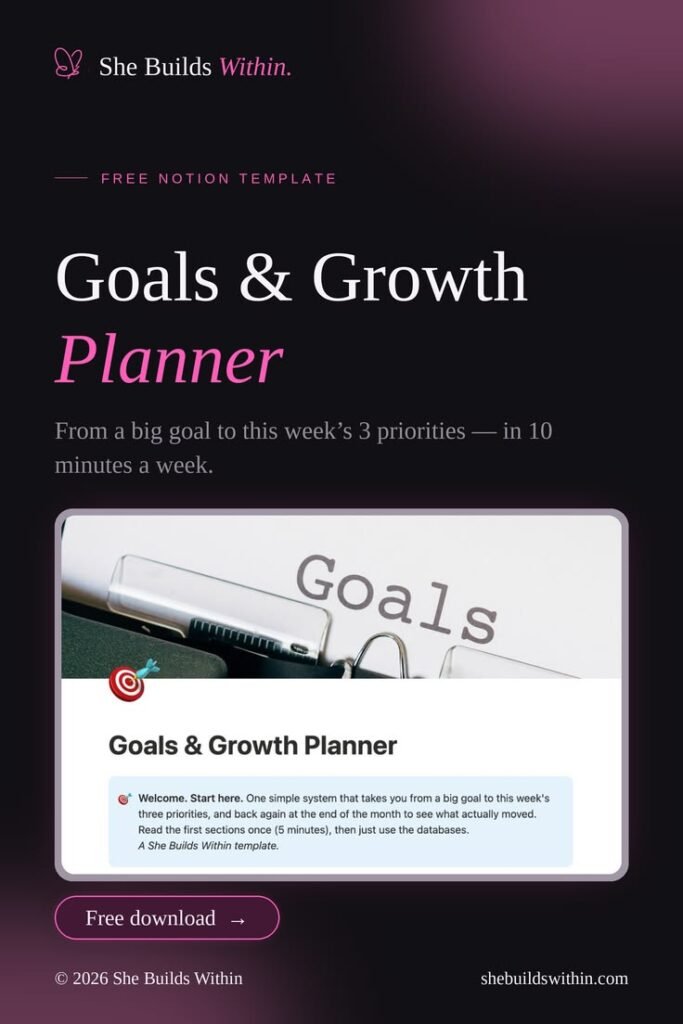
Monthly & Weekly Focus Notion Planner
A calm Notion system that takes you from one big goal to this week’s 3 priorities, and back again at the end of the month to see what actually moved. Set it up in 5 minutes, use it in 10 minutes a week.
Most planners fail for the same reason: they ask for too much. Ten goals, daily habit trackers, colour-coded everything. Two weeks later it’s abandoned and you feel worse than before.
This one is built the other way around. One direction. Three priorities a week. One honest look back at the end of the month. That’s the whole system.
What’s inside
- Start here: a 5-minute guide on how the system works and why goal-setting this way actually sticks
- Goals: your big goals in one place, each with a clear “why” and what done looks like
- Monthly focus: pick what matters this month and connect it to a goal
- Weekly priorities: just 3 per week, linked to your monthly focus, so small tasks always point somewhere
- Monthly review: a short reflection on what moved, what didn’t, and what to change
How it works
- Once: duplicate the template and read the Start here section (5 minutes).
- Every Monday: choose this week’s 3 priorities (10 minutes).
- End of the month: fill in the review and pick next month’s focus.
Who it’s for
- Developers and builders juggling a job, side projects and learning
- People who have tried planners before and quit after a week
- Anyone who wants to see progress, not just a longer to-do list
Good to know
- Works on the free Notion plan, desktop and mobile
- Everything is editable: rename, delete or add what you need
- Free. If it helps you, you can say thanks with a coffee, but you never have to
Click “Get the template”, then “Duplicate” in Notion, and it’s yours.


